



Hi. I'm Bryan. I make things. Code and wood are my primary mediums, but hang around long enough, and you'll see posts about making music, food, journeys, and other things.
Some of my recent projects are linked below. Follow the links in the menu to see more.
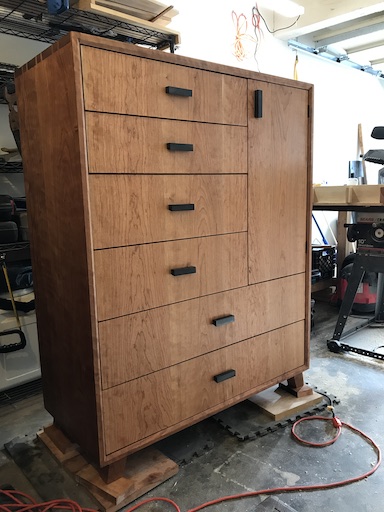
Woodworking
I almost always have some sort of wood project in progress. Furniture, household tools, outdoor structures, musical instruments, toys - whatever captures my imagination.
Rustic Roads by Motorcycle
I'm publishing videos of my attempt to ride my motorcycle down each of Wisconsin's designated Rustic Roads.
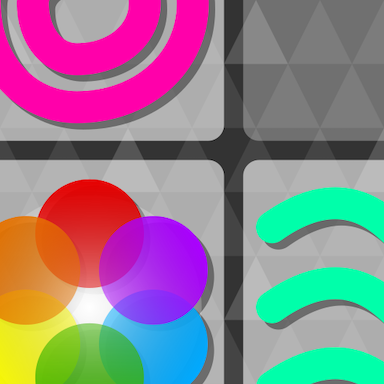
Games
I wrote a game called Symbology. It runs on any device with a modern web browser, and supports installation for offline play.
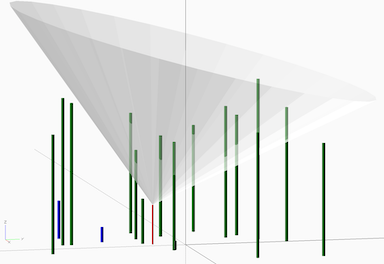
Starlink Evaluation
I was part of Starlink's better-than-nothing beta, and wrote about the experience once a month. I post updates less often, now that the beta is over, but occasionally feel there's something interesting to say.
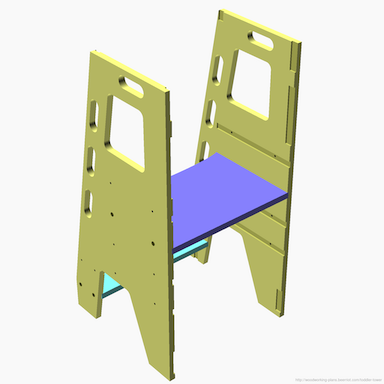
Woodworking Plans
I've published plans, including CAD files, for several of my woodworking projects. More may appear next time my supply ordering lags behind.